IndustriesPublic sector
Public sector
Every decision with person and time.
Fleets of municipalities and public authorities must work traceably, in compliance with data protection and with clear responsibilities.
- Traceability
- Data protection
- clear responsibilities


Starting point: public administration
What fleets in public authorities have to deliver
In public office it is not enough that something is done. It must also be possible to show who decided it and when.
A fine notice for the official car. Who was at the wheel?
With ClamioThe fleet assigns the violation to vehicle and driver. Deadlines run visibly in the violation file.
The law firm needs details of the driver.
With ClamioThe fleet shares driver data selectively; without sharing the partner does not see it.
The audit office asks who approved the repair.
With ClamioThe decision is in the audit log with person and time.
Depot, public order office, municipal enterprise: responsibilities must be kept separate.
With ClamioOrganisations under one customer account. Roles and permissions determine who sees and handles which cases.
Expenditure needs a countersignature.
With ClamioFrom an approval limit that you set, two people confirm if you switch on the four-eyes principle.
The staff council asks about monitoring of behaviour.
With ClamioDrivers only see their own cases. There is no ranking of drivers.
Everyday public administration
Three cases from public office
Case 1 · Violation
A fine notice for an official vehicle arrives
The notice is addressed to the authority as keeper. The driver was someone from one of twelve departments.
Received
Whose turn: Fleet
The fleet creates the violation. Fine, time and place of the offence are in the file.
Assign driver
Whose turn: Fleet
The fleet assigns the violation to the vehicle and the driver.
Access
Whose turn: Driver
The driver sees their own violations without amounts and can upload documents.
Running deadlines
Whose turn: Fleet
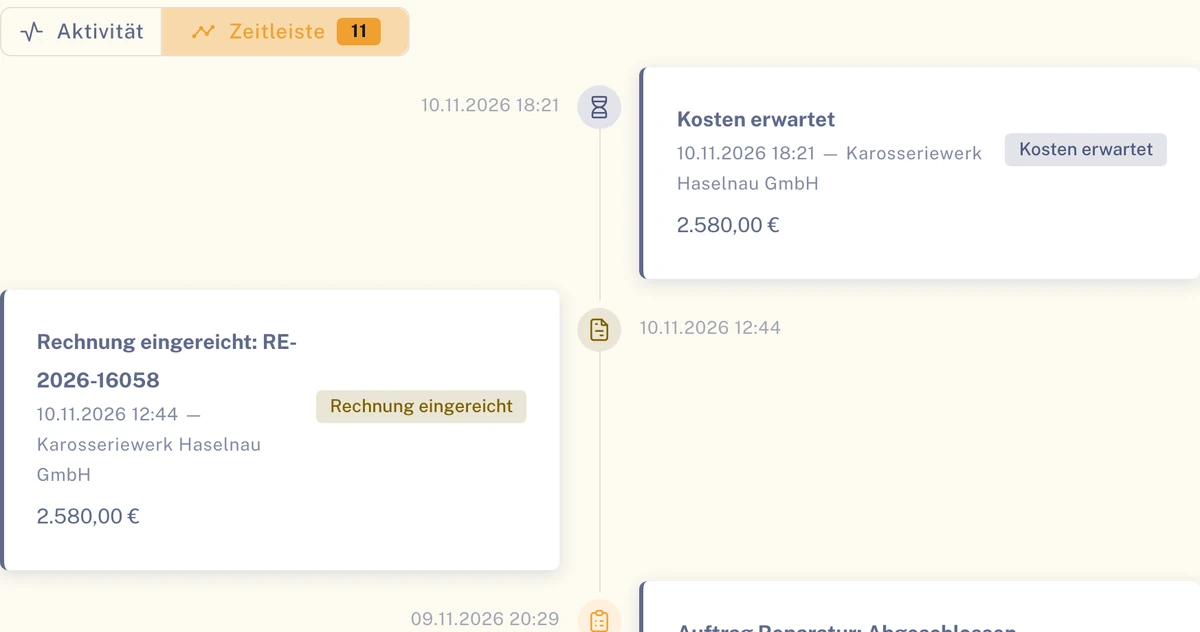
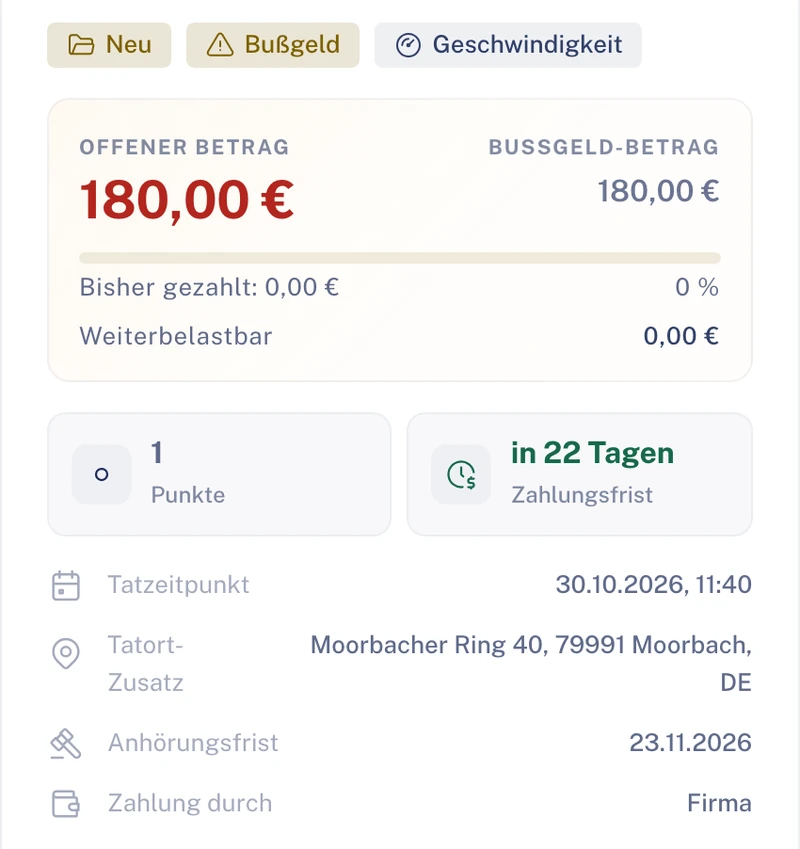
Deadlines run visibly: payment deadline and hearing deadline, plus the procedural steps.
Decision
Whose turn: Fleet
The decision is documented. Whether a law firm is commissioned is always decided by the fleet.
- In the violation’s file
- Open amount, payment deadline, time of the offence, hearing deadline and who pays.
- For the audit
- Assignment and decision are documented with person and time.
Case 2 · Violation
The law firm is to receive driver data for a violation
The authority wants the notice reviewed. For that the law firm needs documents, but not the whole personnel file.
Case
Whose turn: Fleet
The fleet commissions the law firm directly with the violation.
Accept Case
Whose turn: Law firm
The law firm accepts the case in its portal. The fleet is notified.
Share data
Whose turn: Fleet
The fleet shares the driver data selectively. Without sharing the law firm does not see it.
Documents
Whose turn: Law firm
The law firm sees the shared documents and places letters and documents in the file.
Closure
Whose turn: Law firm
The case runs from “Received” via “Accepted” and “In Progress” to “Completed”.
- For data protection
- The law firm only sees the case for which it is instructed.
- In the case history
- Every step by the law firm is in the history with time and trigger.
Case 3 · Claimwith Automation
Damage to an official vehicle: approval by two people
An official car needs a major repair. The expenditure should be countersigned before the garage starts.
Claim report
Whose turn: Driver
The driver reports the claim with guidance in the app, with photos.
Cost estimatewith Automation
Whose turn: FleetGarage
The workflow commissions the garage. It submits its cost estimate.
First personwith Automation
Whose turn: FleetInsurer
The process waits. The fleet decides or, if you define it that way, the insurer.
Second personwith Automation
Whose turn: Fleet
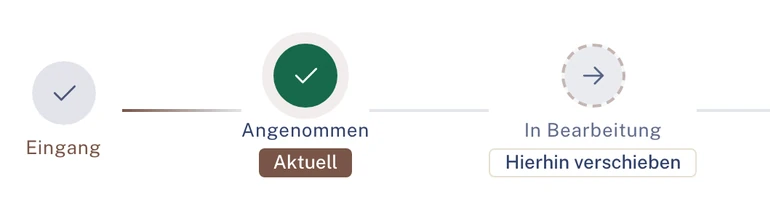
From your approval limit a second person confirms if you switch on the four-eyes principle.
Receipt
Whose turn: Fleet
The approval is in the audit log with person and time. Only then is the repair carried out.
- What the driver sees
- The status of her report. No costs, no liability questions.
- Requirement
- The four-eyes principle is configurable and applies if you switch it on.
Illustration Thick line: the case in Clamio. Coloured lines: who acts. Filled station: rule or automation.
Workflow in public administrationwith Automation
Who decided? Every step documented
A repair is above your approval limit. The process stops until the responsible party has decided, and records every step.
Who decides the cost approval?
The fleet decides
That is the default: the cost approval lands with you, in the “Approvals” inbox.
- Cost estimate submittedGaragePerson · Time
- Cost approval requestedWorkflowPerson · Time
- Approval grantedFleet, first personPerson · Time
- Approval confirmedFleet, second person (four-eyes principle)Person · Time
- Repair continuesGaragePerson · Time
The insurer decides
You define in the step that the insurer decides the cost approval. Your approval limit continues to apply.
- Cost estimate submittedGaragePerson · Time
- Cost approval requestedWorkflowPerson · Time
- Approval grantedInsurer, first personPerson · Time
- Approval confirmedInsurer, second person (four-eyes principle)Person · Time
- Repair continuesGaragePerson · Time
The MGA decides
An underwriting agent (MGA) decides on behalf if it has write authority.
- Cost estimate submittedGaragePerson · Time
- Cost approval requestedWorkflowPerson · Time
- Approval grantedMGA, first personPerson · Time
- Approval confirmedMGA, second person (four-eyes principle)Person · Time
- Repair continuesGaragePerson · Time
Illustration The second person confirms from your approval limit if you switch on the four-eyes principle.
What the approval follows
Cost approval
The step “Submit cost estimate” with “Approval required” creates a cost approval after submission.
Approval limit
The fleet’s approval limit applies to the amount, whichever party decides.
Four-eyes principle
It is configurable. When switched on, two people confirm from the approval limit.
Audit log
Approvals are in the audit log with person and time. The process itself is shown in the file’s “Workflow” tab.
Requirement for approvals in the process: Automation booked. Violations also run without workflow. See Automation
Data sharing and employees
Driver data only where you share it
Two groups look closely: your data protection officers and your employees. Both should be able to see what applies.
Data sharing with partners
- Service providers only see their own order and what you share.
- The fleet shares driver data selectively; without sharing the partner does not see it.
- The partner sees its own order amounts; other amounts only if they are shared.
- Please address requests about your data to your fleet or to us. A function for this in the portal is in preparation.
Fair to your employees
- Only their own cases appear in the app.
- The driver sees their own violations without amounts.
- No driver rankings, no scores, no telematics analysis. In the key-figure analyses, very small groups are hidden automatically.
- The app runs on iOS, Android and iPad and speaks eight languages.
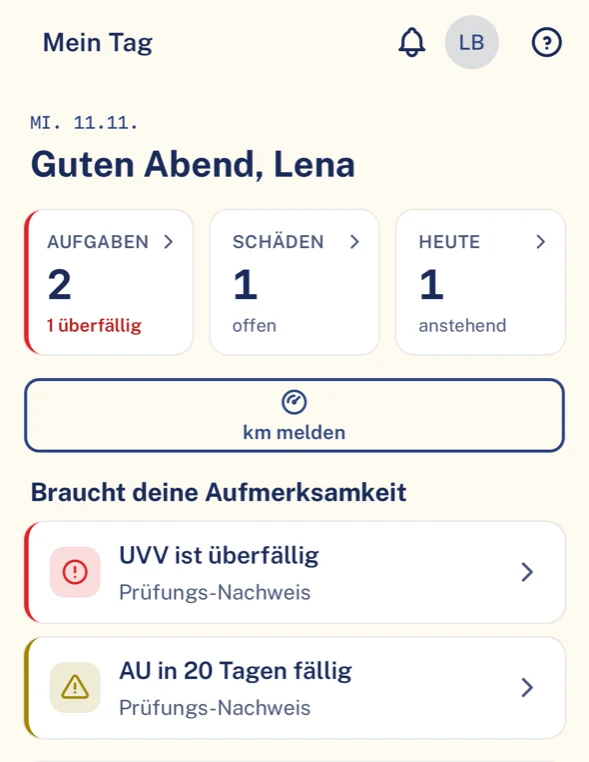
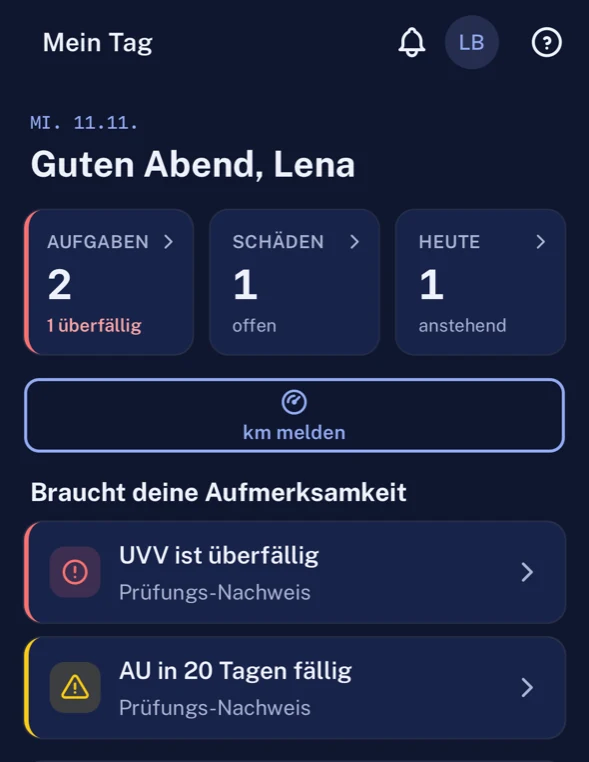
Benefits in public administration
What your administration gets out of it
Head of the vehicle pool
Violations, claims and deadlines of all departments in one system, with clear responsibilities.
Audit office
Who assigned, approved or rejected is in the audit log with person and time.
Official data protection
Partners see their order, driver data only after sharing. The data is held in data centres in the EU.
Employees
They report with guidance and only see their own. Nobody is rated.
Modules in public administration
What matters most in public administration
For municipalities and authorities, violation, permissions and audit log come first. The functions are the same as in every industry.
Violation file
Fine, hearing and driver nomination with assignment to vehicle and driver. Deadlines and procedural steps are in the file.
Data sharing
The fleet shares driver data selectively. Partners only see cases in which they are commissioned.
Roles and permissions
Roles and permissions determine who sees and handles which cases. Departments as organisations under one customer account.
Audit log
Changes to cases, approvals and data sharing are in the audit log, with person and time.
Approvals
with AutomationCost approval in the process, approval limit by amount, four-eyes principle configurable. Optionally the four-eyes principle for cost estimates and invoices from an amount you set.
Data protection
Please address requests about your data to your fleet or to us. A function for this in the portal is in preparation. Data in the EU, transmission encrypted (TLS).
Vehicles and assignment
Official vehicles with status and assignment.
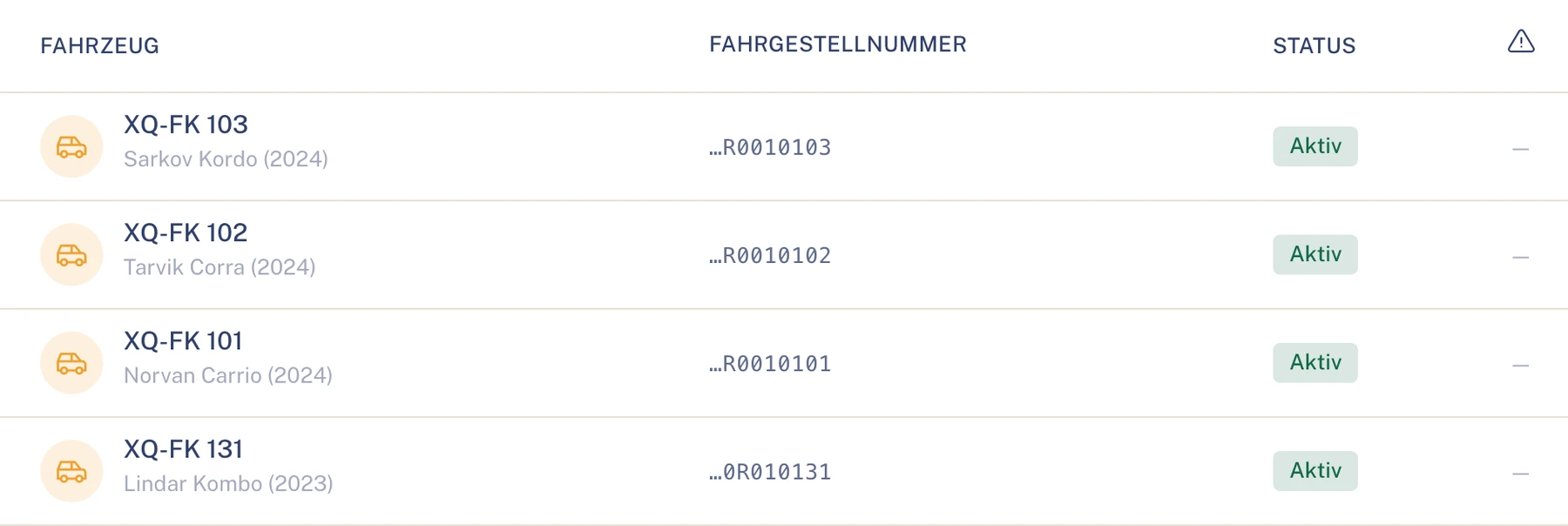
Official vehicles in the vehicle list. Sample data.
Roles in public administration
Who takes part in public administration
- FleetPortalRuns all three cases: creates, assigns, shares data and approves costs.To the solution Fleet
- Driverapp onlyReports claims in the app and sees their own violations, without amounts.To the solution Driver
- Law firmPortalIs commissioned directly with the violation and places letters in the file.To the solution Law firm
- GaragePortalSubmits the cost estimate and repairs after approval.To the solution Garage
- InsurerPortalDecides the cost approval if you define it that way in the process.To the solution Insurer
Also involved
Data in the EU, decisions in the audit log
- Location
- The data is held in data centres in the EU.
- transport
- All connections are encrypted (TLS).
- Responsibility
- Roles and permissions define who sees and handles which cases.
- Requests
- Please address requests about your data to your fleet or to us. A function for this in the portal is in preparation.
Questions in public administration
Questions from municipalities and authorities
Where is the data held?
In data centres in the EU. All connections are encrypted.
Who may do what?
Roles and permissions determine who sees and handles which cases.
Do service providers see everything?
No, only their own order and what you share.
Can it be proven who decided?
Yes. Approvals and other actions are in the audit log with person and time.
Are employees monitored via the app?
Drivers only see their own cases. There are no scores for drivers and no telematics analysis.
Can we separate departments or municipal enterprises?
Yes. You run departments and municipal enterprises as organisations under one customer account, with roles and permissions per organisation.
To whom do we address requests about our data?
Please address requests about your data to your fleet or to us. A function for this in the portal is in preparation.
Industries outside public administration
See Clamio for your administration
We show you a fine notice from receipt to decision, the data sharing with a law firm and an approval by two people.